Websites
Check that your site's Google Analytics and Search Console data is landing in GrowthOS.
App route: /admin/websites
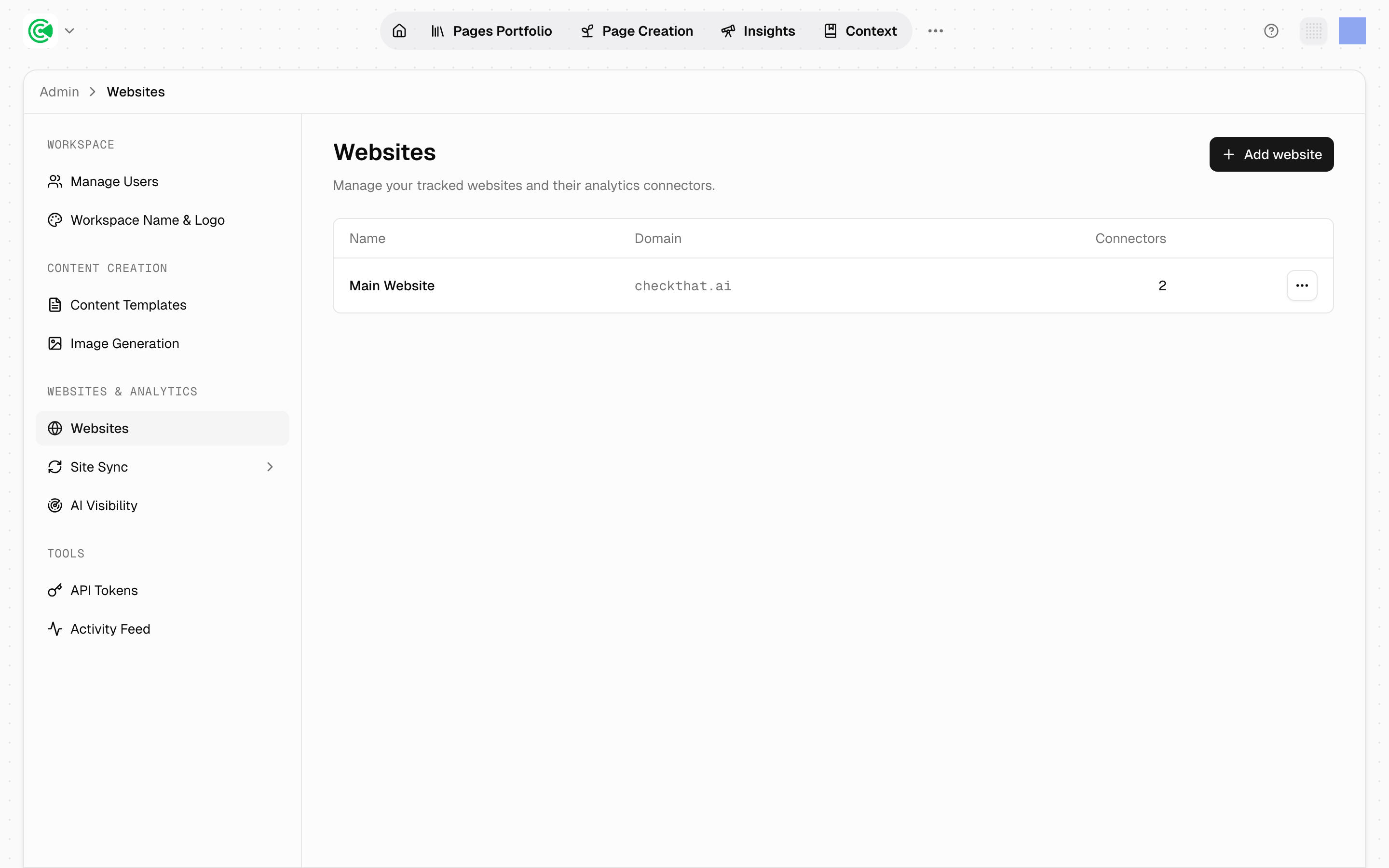
Websites is where you check that your site's data is landing. GrowthX registers the site and wires its connectors, the links to Google Analytics and Search Console, during onboarding. Your part happens in GA4 and Search Console, where you add the service account, and GrowthX maintains this screen: you come here to verify that what you granted actually arrived.
The 2 connectors that matter are Google Analytics and Google Search Console. Between them they supply every traffic and visibility number in the product, so checking them is the whole job here.
Doing this rather than looking it up? The Tutorial walks this screen step by step in 2.1 · Connect your data.
Reference
| Status | Meaning |
|---|---|
| Connected | Access was granted and accepted |
| Synced | Data has actually landed, with a timestamp |
| Sync failed | Access was accepted but the pull didn't complete |
| Disconnected | The connector's access token expired or was revoked, so pulls have stopped until it's reconnected |
Connected is not Synced. Access can be granted correctly and data still not arrive. Read the timestamp, not the badge.
Sync failed almost always means the service account is missing from the property, or was added to the wrong one. On a site with several GA4 properties, the account must be on the property that actually covers the domain GrowthOS manages.
Disconnected means access itself was lost, not that a pull failed. Revoking the service account, or an agency rotating credentials, lands here rather than in Sync failed. Restore the account's access in GA4 or Search Console, then tell your GrowthX team so they can reconnect.
One website, one set of connectors. Most workspaces track a single site, so there is one pair of connectors to check. If your workspace tracks several sites, each site connects separately: check the connector status per site, not once.
Everything downstream is a read of this data. Traffic bands, impressions capture, the Big Picture score, half of every report: all of it resolves back to GA4 and Search Console. A workspace with no connectors still produces Health scores, because those come from the crawl, GrowthOS reading your sitemap to build its copy of your pages, but every performance number will be empty.
Read-only by design. The service account is a viewer. Nothing GrowthOS does can alter your analytics configuration, which is why granting access is a low-risk step that doesn't need a change window.
Grant access before anything else is worth doing. Setup, scoring and opportunity research all reason about performance. Running them before the connectors land produces confident output built on nothing, which is why adding the service account is the first step of the tutorial.