Writing Profile
The compiled version of how you sound, the calibration loop that sharpens it, and the Update profile step that makes edits count.
App route: /writing_calibration/writing_profile
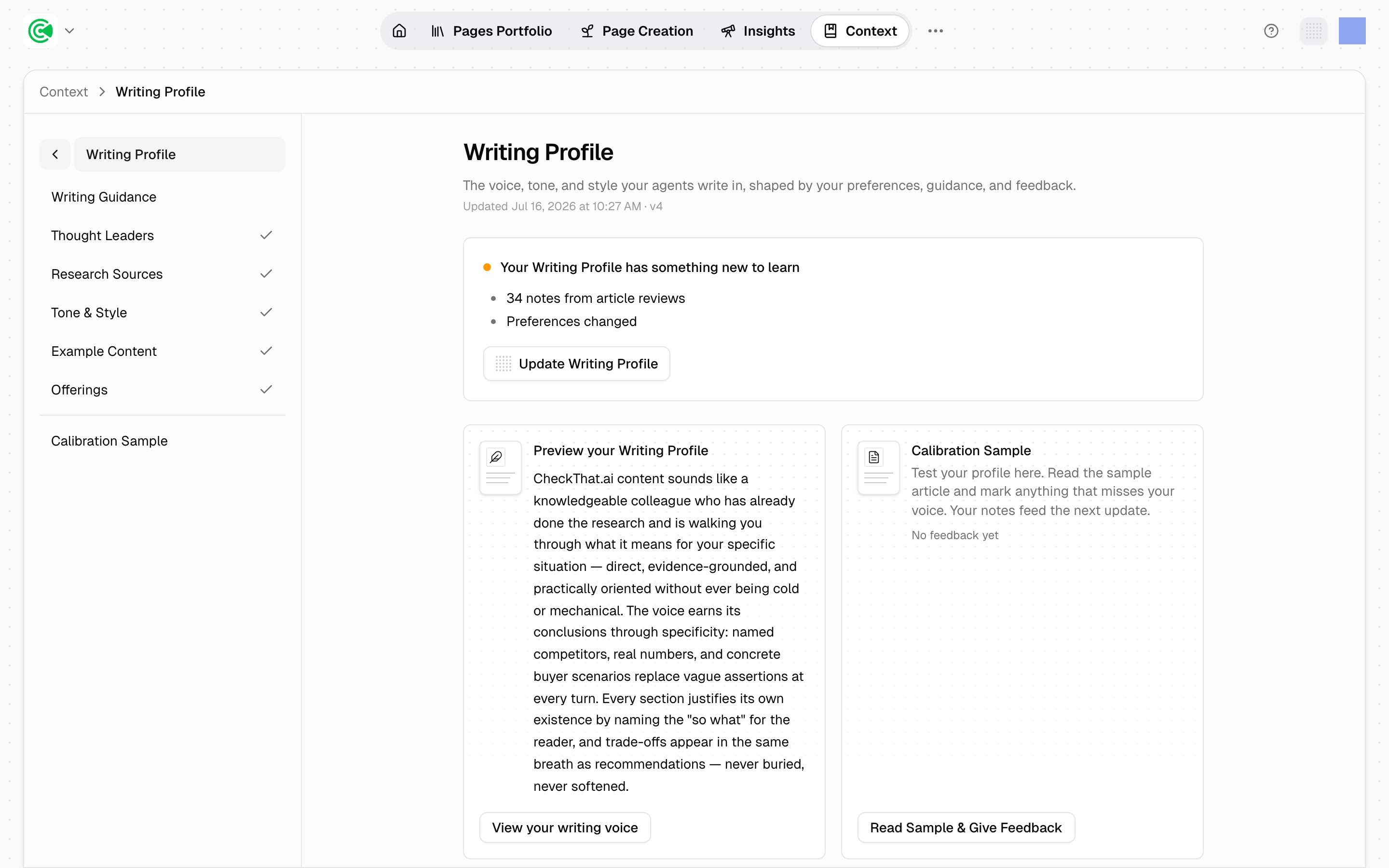
The Writing Profile is the compiled version of how you sound. You supply the raw material (reference writers, sources you trust, tone settings, examples of your own work), and a compile turns it into the voice guidance every drafting agent reads.
It's the single most important screen for a writer, because every draft in the workspace starts from this profile and is checked against it afterwards. A profile that misses your voice puts that miss into every draft until the next compile.
Your edits and pending annotations do nothing until you click Update profile. They sit as pending input; the profile agents actually read only changes when the compile runs. Changed an input or left annotations? Click Update profile, or the next draft sounds exactly like the last one.
Doing this rather than looking it up? The Tutorial walks this screen step by step in 3 · Context & voice.
Reference
What a compile reads: your calibration inputs, your Company Overview and Product & Features, your personas (the buyers your content speaks to), the current profile, and your annotations.
What counts as an annotation (a note left on a draft saying what is off and why) is narrower than it looks:
- Annotations on the calibration sample all count.
- Annotations on real drafts count only if the review is complete, and only 3 kinds carry through: tone, formatting and positive. Accuracy, linking and other notes fix that draft but never shape the profile.
- Annotations from invited external reviewers count the same as your team's.
Direct edits to a draft do not feed the profile. Rewriting a sentence in the editor improves that page and teaches the system nothing. If you want the change to stick, leave a note saying what was wrong.
Versioning. Each compile snapshots the outgoing profile before replacing it, and the header shows the version and compile date. Research Sources are ranked in tiers, and there's a negative list for sources to avoid.
A missing profile doesn't stop drafting. If nothing has been compiled, agents fall back to default writing guidelines. So output looks fine and sounds like nobody. Silence here is the failure mode, not an error message.
Company Overview and Product & Features gate the compile. Both must have content before a profile can be built, which is why Foundation comes first.