Page editor
The editor's 8 steps across 3 phases: Brief It, Write It, Ship It, with a review pass in between.
App route: /page_briefs/{id}
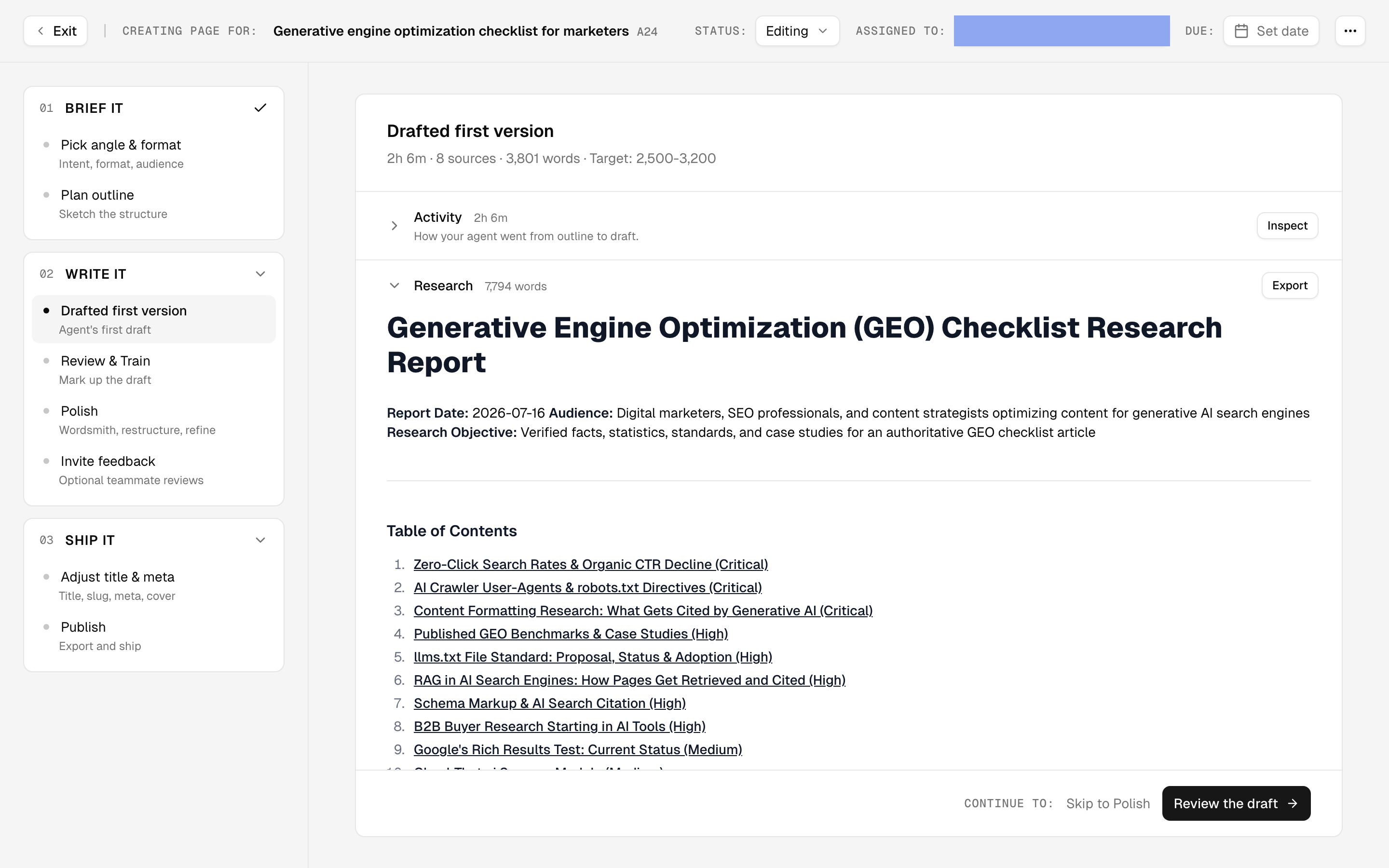
The page editor is where a brief, the plan for one page, becomes the page itself. It runs as 8 steps across 3 phases (brief it, write it, ship it), with an agent(an automated worker) doing the production and you steering at each handoff.
Doing this rather than looking it up? The Tutorial walks this screen step by step in 5.2 · The briefing process.
Reference
Annotation types: accuracy, linking, formatting, tone, positive and other, each with a severity. An annotation is a note you leave on a draft saying what is off and why, instead of silently rewriting it. Only tone, formatting and positive notes shape the writing profile, the compiled version of how you sound: the rest fix the page in front of you.
Annotations train nothing until the profile updates. They accumulate as pending feedback and fold into the writing profile when Update profile is clicked on Writing Profile, or when a rewrite runs with the profile update toggle on. Turn the toggle off in the rewrite dialog to defer the teaching part when you only want the edits.
Content templates decide the funnel stage, the outline structure, the post-processing an agent runs after drafting, and which agents run at all. You can create your own; the stock set is a starting point rather than a fixed menu.
A template is not a page type. Page type classifies pages that already exist. A template is an input that shapes one you're making.
Metadata fields set at Ship it: title, meta title, meta description and slug, plus the article's author when the collection you publish to has an author field mapped. Meta title and description carry the usual length guidance.
Sharing for review issues a link that invites someone by email. External reviewers annotate in the same surface your team does, but they cannot set a note's scope.